> ## Documentation Index
> Fetch the complete documentation index at: https://docs.asisso.com/llms.txt
> Use this file to discover all available pages before exploring further.
# LLM
> Voice Agents use LLM (Large Language Models), which are trained to understand the conversational context, and respond to users.
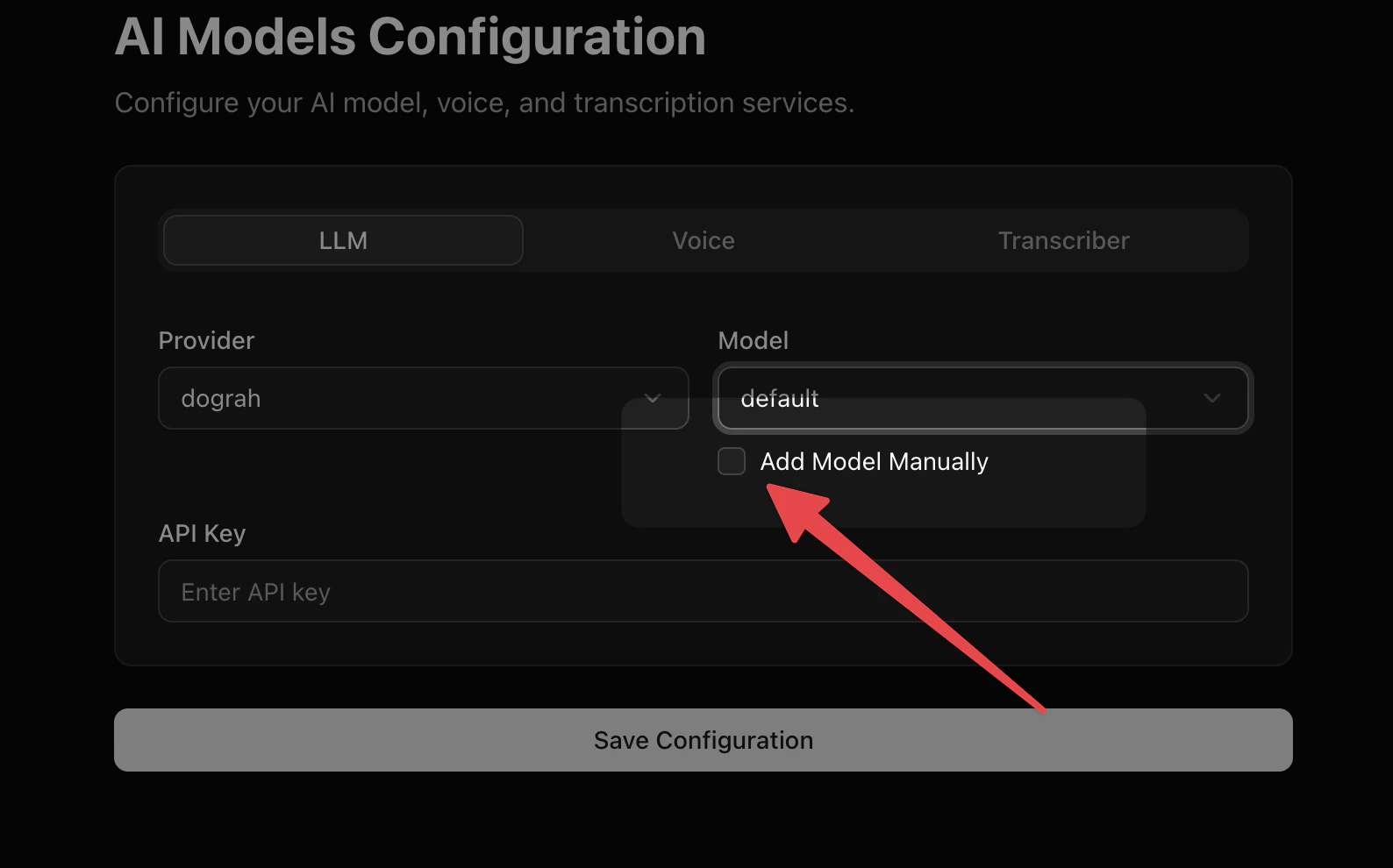
You can currently use OpenAI, Google, Groq, Azure and Asisso LLMs in LLM configuration. There are some models provided by default for you to choose from the drop down.
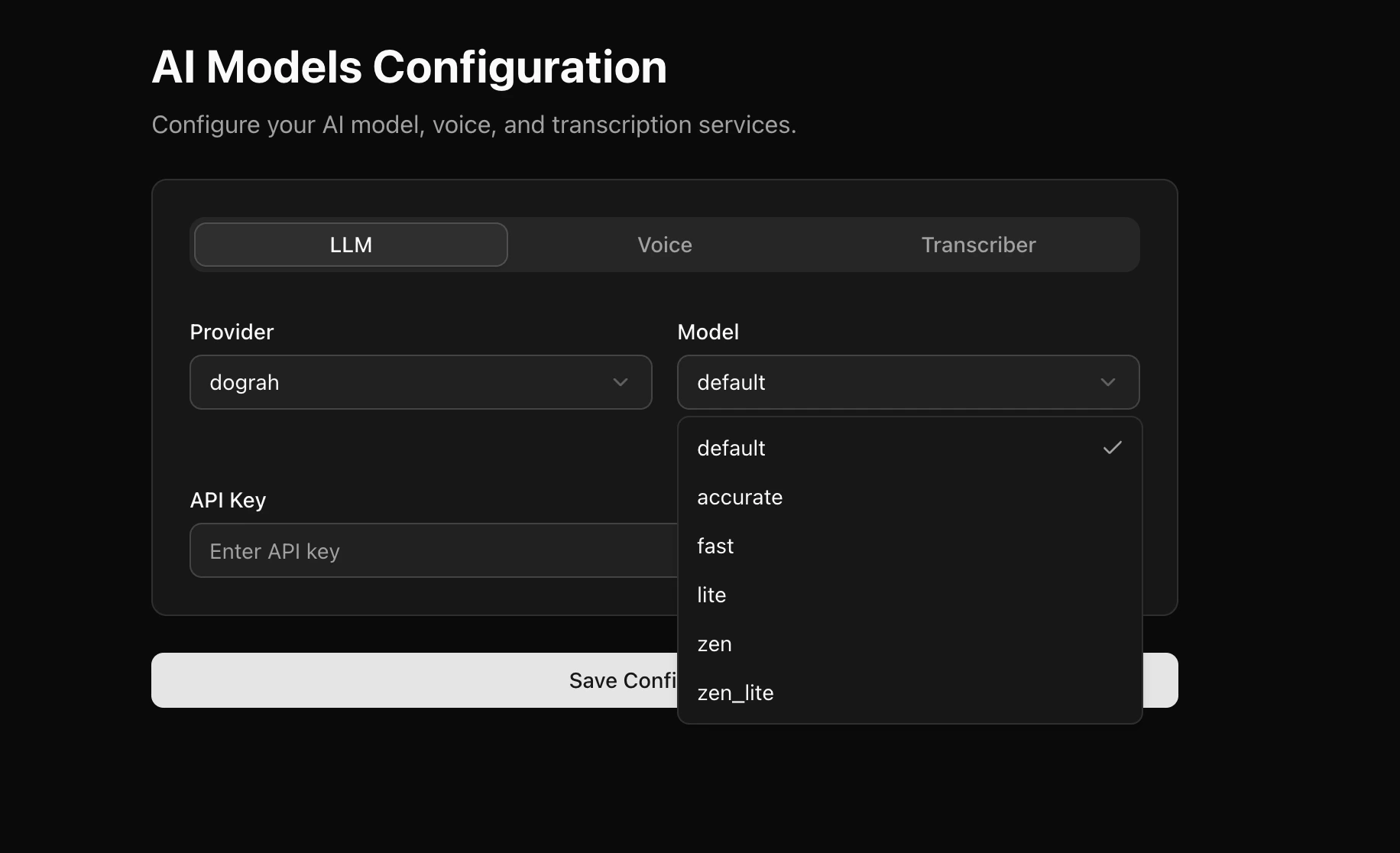 If you don't find a model in the drop down, you can always add a model manually.